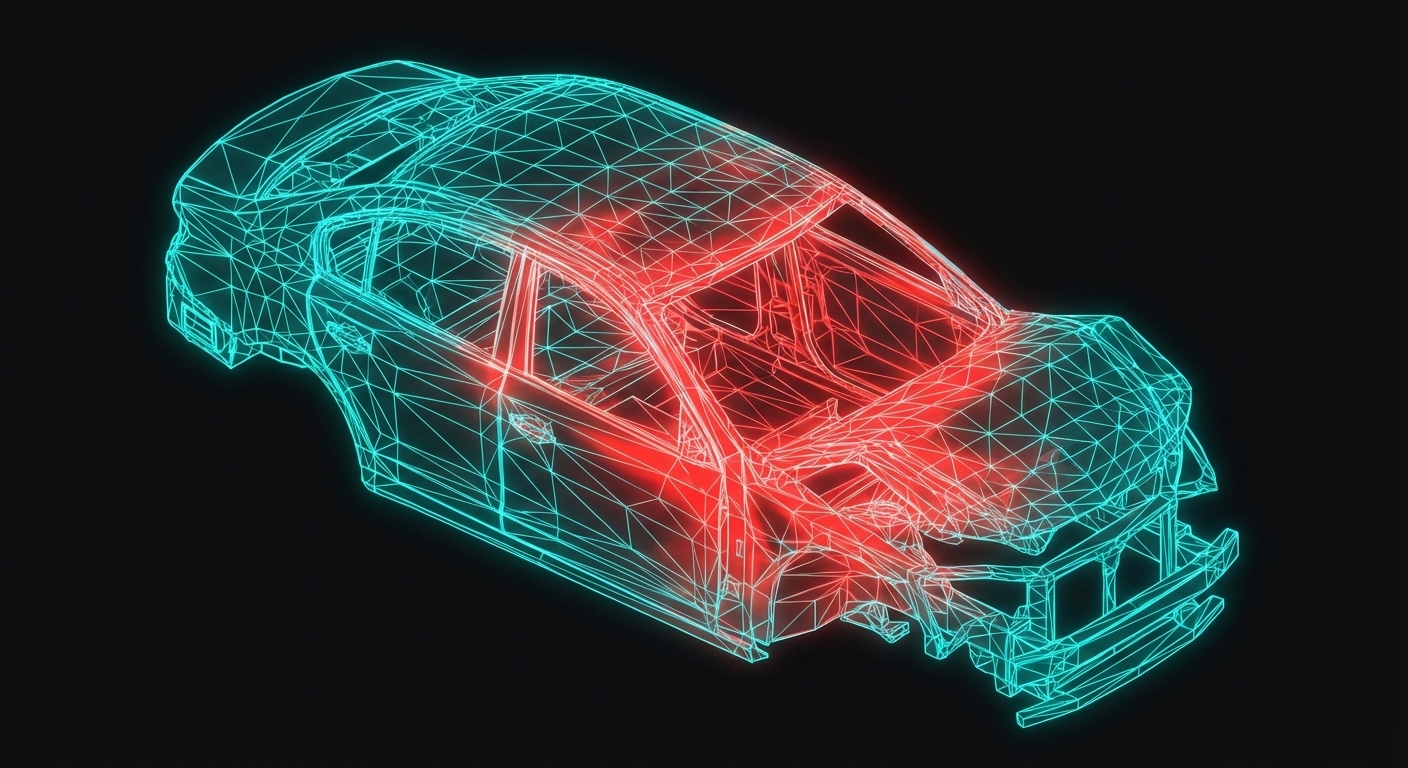
Mesh Generation & Quality
The mesh is where mathematics meets geometry. A CFD solver can only be as good as its mesh — garbage in, garbage out. This lesson covers the art and science of creating meshes that give accurate, reliable results.
Why Meshing Matters
Consider solving the Navier-Stokes equations on a mesh:
| Mesh Quality | Consequence |
|---|---|
| Too coarse | Misses flow features, large truncation error |
| Too fine | Excessive computation time, no accuracy gain |
| Poor quality | Convergence issues, spurious oscillations |
| Wrong type | Cannot capture physics (e.g., boundary layers) |
Mesh Types
Structured Meshes
Hexahedral cells in regular patterns:+---+---+---+---+
| | | | | i = 1,2,3,4
+---+---+---+---+
| | | | | j = 1,2,3
+---+---+---+---+
Advantages:
- Lower cell count for same accuracy
- Efficient memory access (i,j,k indexing)
- Better alignment with flow direction
- Higher accuracy for simple geometries
- Difficult for complex geometries
- Time-consuming to create
- Limited flexibility in local refinement
Unstructured Meshes
Tetrahedral, pyramids, prisms in arbitrary connectivity: Advantages:- Automatic generation for complex geometry
- Easy local refinement
- Handles arbitrary shapes
- Higher cell count for same accuracy
- More complex data structures
- Less efficient numerically
- Potential for poor quality cells
Polyhedral Meshes
Cells with arbitrary number of faces: Advantages:- Fewer cells than tetrahedral
- More neighbors → better gradient estimation
- Can be converted from tetrahedral
- Good for complex flows
- More complex implementation
- Limited software support
Hybrid Meshes
Best of both worlds:- Structured hexahedral in boundary layers
- Unstructured in complex regions
- Transitions via pyramids/prisms
This is the industry standard for most CFD applications.
Mesh Quality Metrics
Skewness
Definition: Deviation from ideal cell shape.For triangles/tetrahedra:
$$\text{Skewness} = \frac{\theta_{max} - \theta_{eq}}{\theta_{eq}}$$
Where $\theta_{eq}$ = ideal angle (60° for triangle, 90° for quad)
| Skewness | Quality | Impact |
|---|---|---|
| 0 - 0.25 | Excellent | None |
| 0.25 - 0.5 | Good | Minimal |
| 0.5 - 0.75 | Acceptable | Some diffusion |
| 0.75 - 0.9 | Poor | Convergence issues |
| > 0.9 | Unacceptable | Solver may fail |
Aspect Ratio
Definition: Ratio of longest to shortest edge.$$\text{Aspect Ratio} = \frac{L_{max}}{L_{min}}$$
| Aspect Ratio | Quality | Notes |
|---|---|---|
| 1 - 5 | Good | Ideal for most regions |
| 5 - 10 | Acceptable | Common in boundary layers |
| 10 - 100 | Poor | Only for aligned flows |
| > 100 | Problematic | Numerical stiffness |
High aspect ratio is acceptable in boundary layers where gradients are 1D (normal to wall).
Orthogonality
Definition: Angle between face normal and cell-center connection.$$\text{Orthogonality} = \cos\theta$$
Where $\theta$ is the angle between:
- Face normal vector
- Vector connecting adjacent cell centers
Non-orthogonal meshes require correction terms in diffusive flux calculations, adding computational cost and potential error.
Cell Volume Ratio
Definition: Ratio of adjacent cell volumes.$$\text{Volume Ratio} = \frac{V_{large}}{V_{small}}$$
Guidelines:- Keep < 1.5 for best results
- Maximum recommended: 2.0
- Larger ratios cause interpolation errors
The Boundary Layer Mesh
Why Special Treatment?
Near walls, velocity changes from zero (no-slip) to freestream over a thin region — the boundary layer. This region has:
- Steep gradients (high $\partial u / \partial y$)
- Important physics (wall shear stress, heat transfer)
- Turbulence generation
y+ and the First Cell
Definition: Dimensionless wall distance$$y^+ = \frac{y \cdot u_\tau}{\nu}$$
Where:
- $y$ = distance from wall to first cell center
- $u_\tau = \sqrt{\tau_w / \rho}$ = friction velocity
- $\nu$ = kinematic viscosity
| Model | y+ Requirement | Resolution |
|---|---|---|
| Wall-resolved LES | $y^+ \approx 1$ | Viscous sublayer |
| k-ω SST (low-Re) | $y^+ \leq 1$ | Viscous sublayer |
| k-ε with wall functions | $30 < y^+ < 300$ | Log layer |
| Spalart-Allmaras | $y^+ \approx 1$ or wall functions | Flexible |
Inflation Layers
Structure of boundary layer mesh:Wall |============================|
|----------------------------| First layer (y+)
|----------------------------| Second layer
|----------------------------| Growth ratio
|----------------------------|
|----------------------------|
============================== Freestream mesh
Parameters:
- First layer height: Calculated from target y+
- Growth ratio: Typically 1.1-1.3 (20-30% growth)
- Number of layers: 10-20 layers typical
- Total height: Should span entire boundary layer
Calculating First Cell Height
Given target $y^+$, estimate first cell height:
$$y = \frac{y^+ \mu}{\rho u_\tau}$$
For external aerodynamics at $Re_L = 10^6$:
$$y \approx \frac{y^+ L}{0.058 Re_L^{0.2}}$$
Example: Car at 30 m/s, L = 4m, $y^+ = 1$:$$y \approx \frac{1 \times 4}{0.058 \times (8 \times 10^6)^{0.2}} \approx 0.05 \text{ mm}$$
Mesh Independence
The Grid Convergence Index (GCI)
A proper CFD study must demonstrate mesh independence:
- Create 3 meshes: coarse, medium, fine
- Run simulations on all three
- Calculate GCI:
$$GCI = \frac{F_s |(\phi_2 - \phi_1) / \phi_1|}{r^p - 1}$$
Where:
- $F_s$ = safety factor (typically 1.25)
- $\phi_1, \phi_2$ = solutions on fine and medium meshes
- $r$ = refinement ratio (e.g., 2 for doubling)
- $p$ = observed order of convergence
Richardson Extrapolation
Estimate the "infinite" mesh solution:
$$\phi_{exact} \approx \phi_1 + \frac{\phi_1 - \phi_2}{r^p - 1}$$
This gives a better estimate than any single mesh.
Practical Meshing Workflow
1. Geometry Preparation
- Remove small features (< 0.1% of characteristic length)
- Close gaps and overlaps
- Create named surfaces for boundaries
- Extract fluid volume
2. Size Field Definition
- Global base size (characteristic length / 20-50)
- Surface refinement on key features
- Volume refinement in wake, shear layers
- Proximity/curvature refinement
3. Boundary Layer Creation
- Identify walls needing boundary layers
- Calculate y+ requirements
- Set inflation parameters
- Check for intersection with geometry
4. Volume Mesh Generation
- Choose algorithm (Delaunay, advancing front)
- Set quality thresholds
- Generate and check initial mesh
- Improve problem areas
5. Quality Check
- Maximum skewness < 0.9
- Mean skewness < 0.3
- Orthogonality > 0.1 (minimum)
- No negative volumes
- Smooth size transitions
Software-Specific Tips
ANSYS Meshing
- Use Proximity and Curvature for automatic sizing
- Inflation method: First Layer Thickness preferred
- Assembly meshing for multi-body geometries
STAR-CCM+
- Polyhedral meshes often superior to tetrahedral
- Trimmed cell mesher for external aero
- Prism layer mesher for boundary layers
OpenFOAM (snappyHexMesh)
- Octree-based background mesh
- Surface snapping for conformity
- Layer addition for boundary layers
- Requires good STL surface quality
Common Meshing Mistakes
| Mistake | Symptom | Solution |
|---|---|---|
| Missing refinement | Results don't match experiment | Add refinement in critical regions |
| No boundary layer mesh | Underpredicted drag, wall heat flux | Add inflation layers |
| High skewness | Non-convergence, oscillations | Improve mesh quality |
| Sudden size change | Spurious reflections | Smooth size transitions |
| Wrong y+ | Incorrect wall shear stress | Recalculate first cell height |
Key Takeaways
- Mesh type matters: Structured for simple flows, hybrid for complex geometries
- Quality metrics: Skewness < 0.9, aspect ratio depends on flow direction
- Boundary layers: Critical for wall-bounded flows, y+ determines cell size
- Mesh independence: Always perform grid convergence study
- 70% rule: Most CFD time is geometry and meshing — invest it wisely
- Balance: Fine enough for accuracy, coarse enough for reasonable compute time
What's Next
With the mesh created, we need to specify what happens at the boundaries. The next lesson covers Boundary Conditions — inlets, outlets, walls, and symmetry — and how they're implemented numerically.