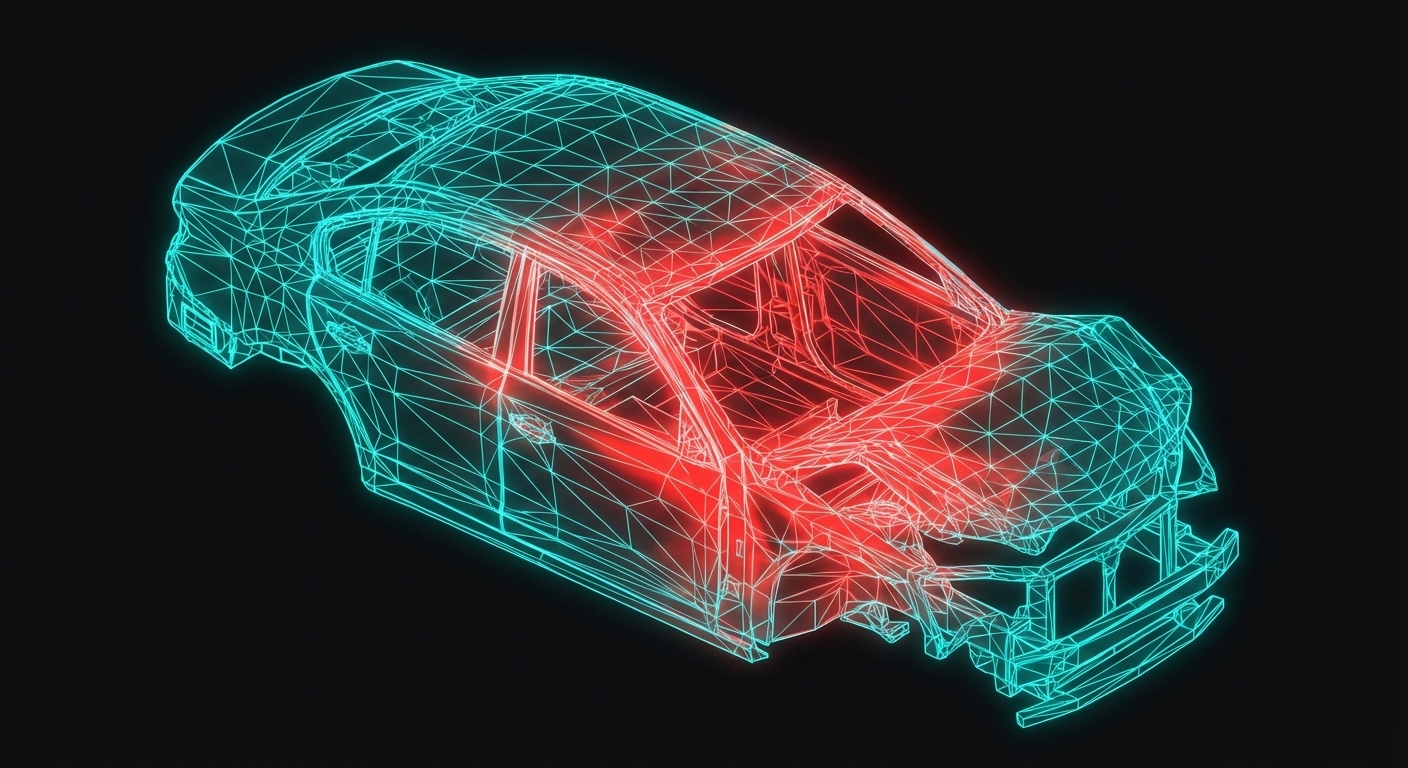
The Finite Element Method approximates continuous fields with a finite number of nodal values. Shape functions interpolate between these values to reconstruct the full field.
The FEM Idea
An unknown function $u(x)$ has infinitely many degrees of freedom. We can't compute infinite values, so we:
Discretize: Place nodes at positions $x_0, x_1, ..., x_n$
Solve for nodal values $u_0, u_1, ..., u_n$
Interpolate between nodes using shape functions
$$u(x) = \sum_{i=0}^{n} N_i(x) \cdot u_i$$
Sponsored
Harshal got placed at Fiat Chrysler as Design Engineer
Watch his video testimonial on how the program helped him
See His Journey
where $N_i(x)$ is the shape function for node $i$.
Shape Function Properties
1. Partition of Unity
$$\sum_{i=0}^{n} N_i(x) = 1 \quad \text{for all } x$$
This ensures that a constant field is represented exactly.
Sponsored
175+ hours of industry projects & 12 IIT faculty sessions
Master CATIA, NX, LS-DYNA, HyperMesh and more
View Full Curriculum
2. Kronecker Delta
$$N_i(x_j) = \delta_{ij}$$
At node $j$, only shape function $N_j$ equals 1; all others are 0.
🎯3,000+ Engineers Placed
Sponsored
Harshal
Fiat Chrysler
Abhishek
TATA ELXSI
Srinithin
Xitadel
Ranjith
Core Automotive
Gaurav
Automotive Company
Bino
Design Firm
Aseem
EV Company
Puneet
Automotive Company
Vishal
EV Startup
More Success Stories
Visualization
When you adjust nodal values, the entire interpolated field changes:
Sponsored
Master CATIA, NX, LS-DYNA, HyperMesh, ANSYS
The exact tools used by Mahindra, Bosch & TATA ELXSI
See All Tools
Drag nodal values to see how the interpolated field changes.
Python Code
import numpy as np
import matplotlib.pyplot as plt

def linear_shape_function(x, xi, L):
    """Linear shape function for node at xi with element length L."""
    if xi <= x <= xi + L:
        return (x - xi) / L
    elif xi - L <= x < xi:
        return (xi - x) / L + 1
    else:
        return 0

# Create mesh with 5 nodes
nodes = np.linspace(0, 1, 5)
L = nodes[1] - nodes[0]

# Nodal values
u_nodes = np.array([0, 0.3, 0.5, 0.2, 0])

# Interpolate
x = np.linspace(0, 1, 100)
u = np.zeros_like(x)
for i, xi in enumerate(nodes):
    N = np.array([linear_shape_function(xp, xi, L) for xp in x])
    u += N * u_nodes[i]

plt.plot(x, u, 'b-', label='Interpolated')
plt.plot(nodes, u_nodes, 'ro', label='Nodal values')
plt.legend()
plt.show()
Automotive Application: Engine Bracket Mesh
When analyzing an engine bracket:
Coarse mesh: Few nodes, fast but less accurate
Fine mesh: Many nodes, accurate but slow
Shape functions interpolate displacement between nodes
Stress is computed from displacement gradients (derivatives of shape functions)
Key Takeaways
FEM approximates continuous fields with nodal values
Shape functions interpolate between nodes
Shape functions satisfy partition of unity and Kronecker delta
More nodes = better approximation (but more computation)
What's Next
In the next lesson, we'll explore mesh refinement — how increasing node density improves accuracy and when to stop refining.
Career Growth
3,000+ Engineers Placed in Top Companies
Join the ranks of successful engineers at Bosch, Tata, L&T, and 500+ hiring partners.